Explore the sample script
Open “Humpty Dumpty”, a finished short script with a shot plan, storyboard frames, lighting plans and character profiles, to see what StageType can do before you write your own.
Open the sample
Choose File › Open sample script (it is also in My scripts and on the home page). You get your own copy, so you can change anything without losing the original.
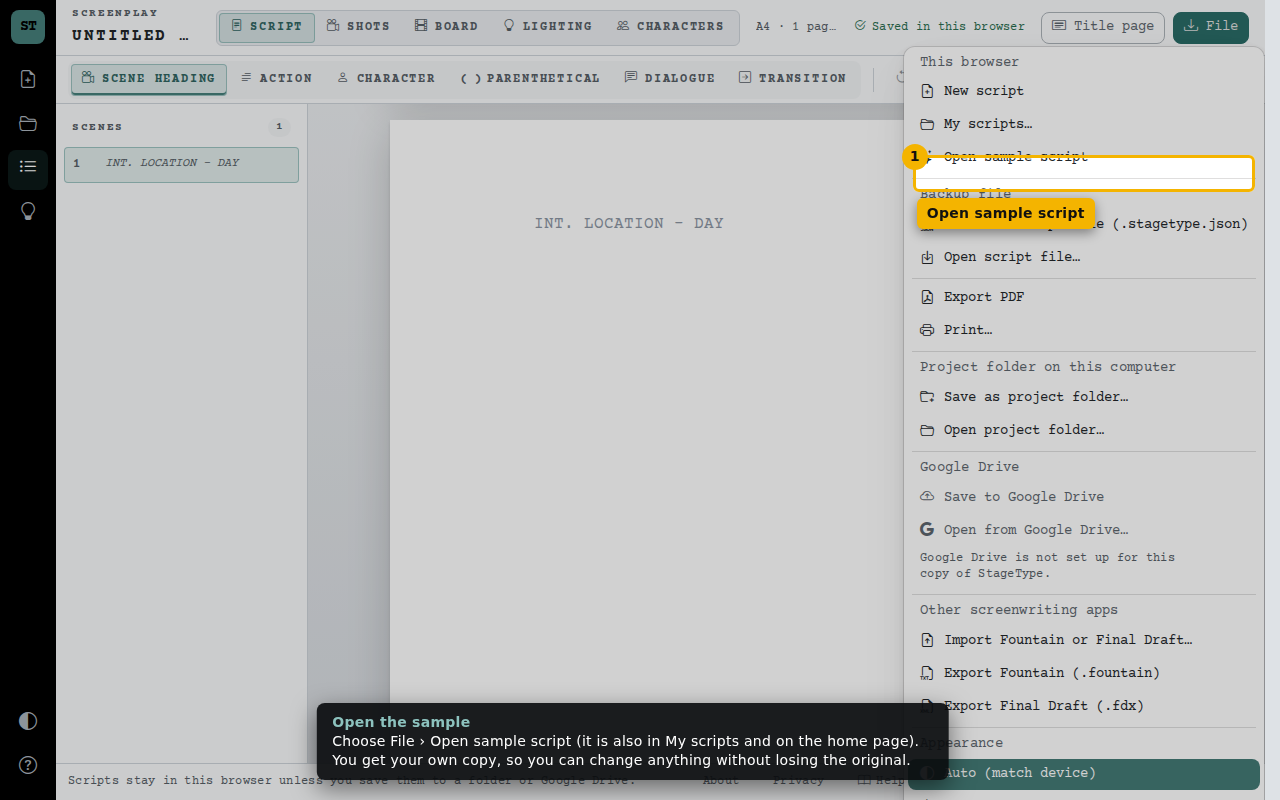
- Open sample script
A formatted script
Three short scenes show every element: scene headings, action, character cues with a (V.O.) narrator, a parenthetical, dialogue and a final transition. Click any line and keep writing.
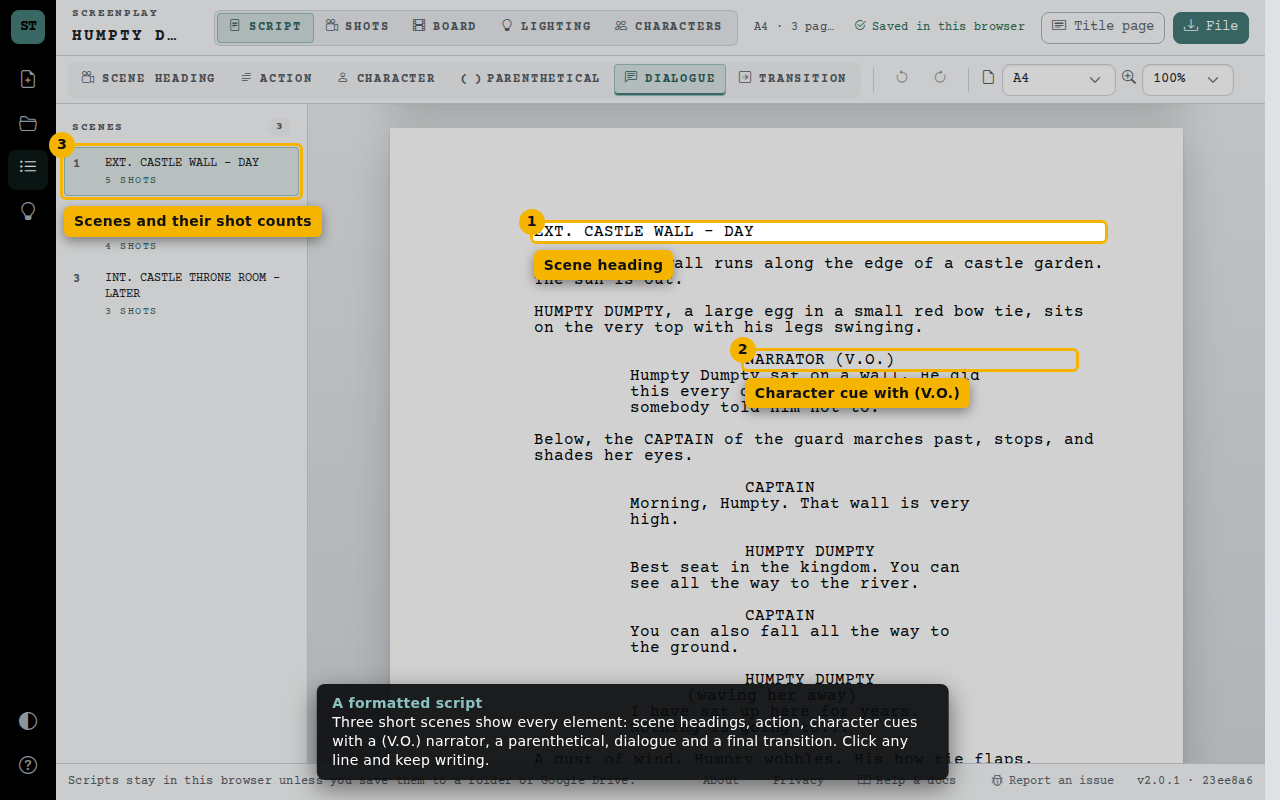
- Scene heading
- Character cue with (V.O.)
- Scenes and their shot counts
The camera plan
Each scene has its shots: size, angle, movement, lens, seconds, a description and a frame. Open “Script lines” on a card to see which lines the shot covers.
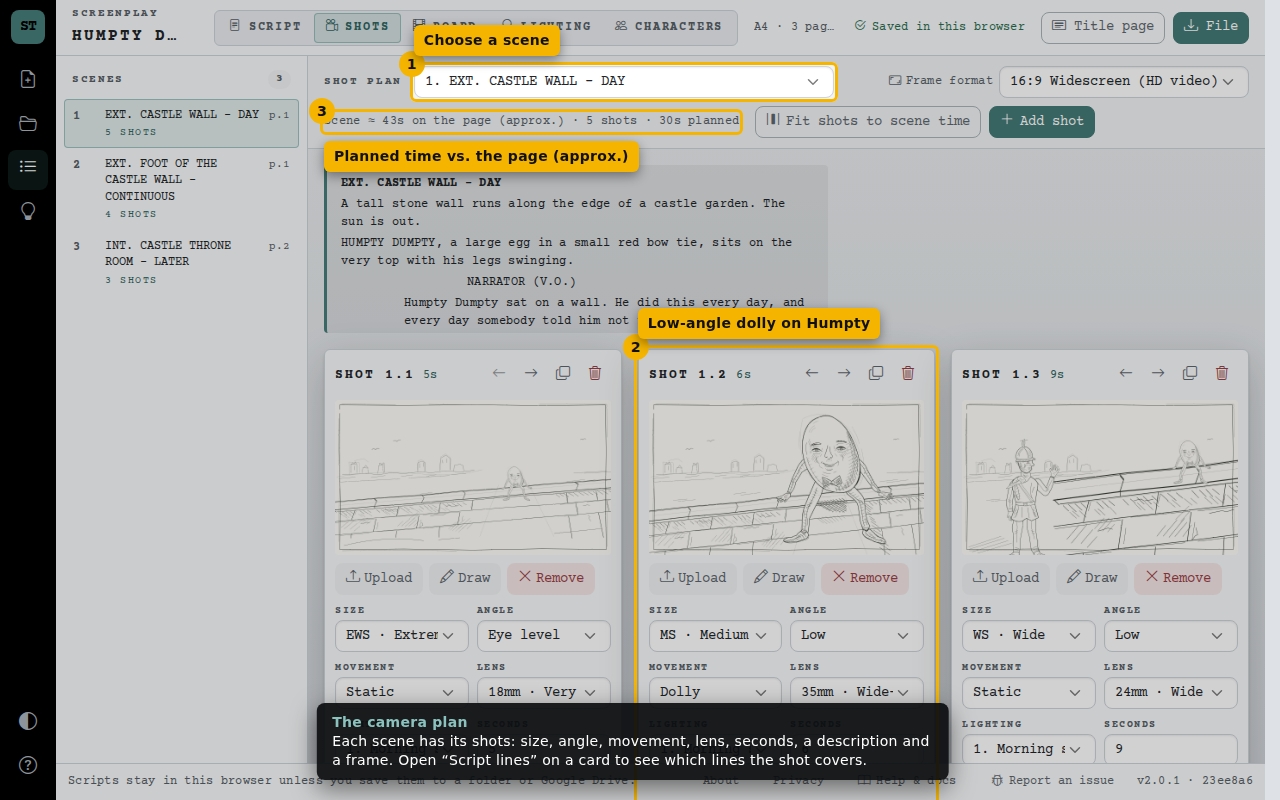
- Choose a scene
- Low-angle dolly on Humpty
- Planned time vs. the page (approx.)
The storyboard
Every shot in order with its pen-drawn frame and the script lines it covers. Broken contours, detailed faces and cross-hatched shadows carry through to the character portraits. Play it as a timed animatic or export it.
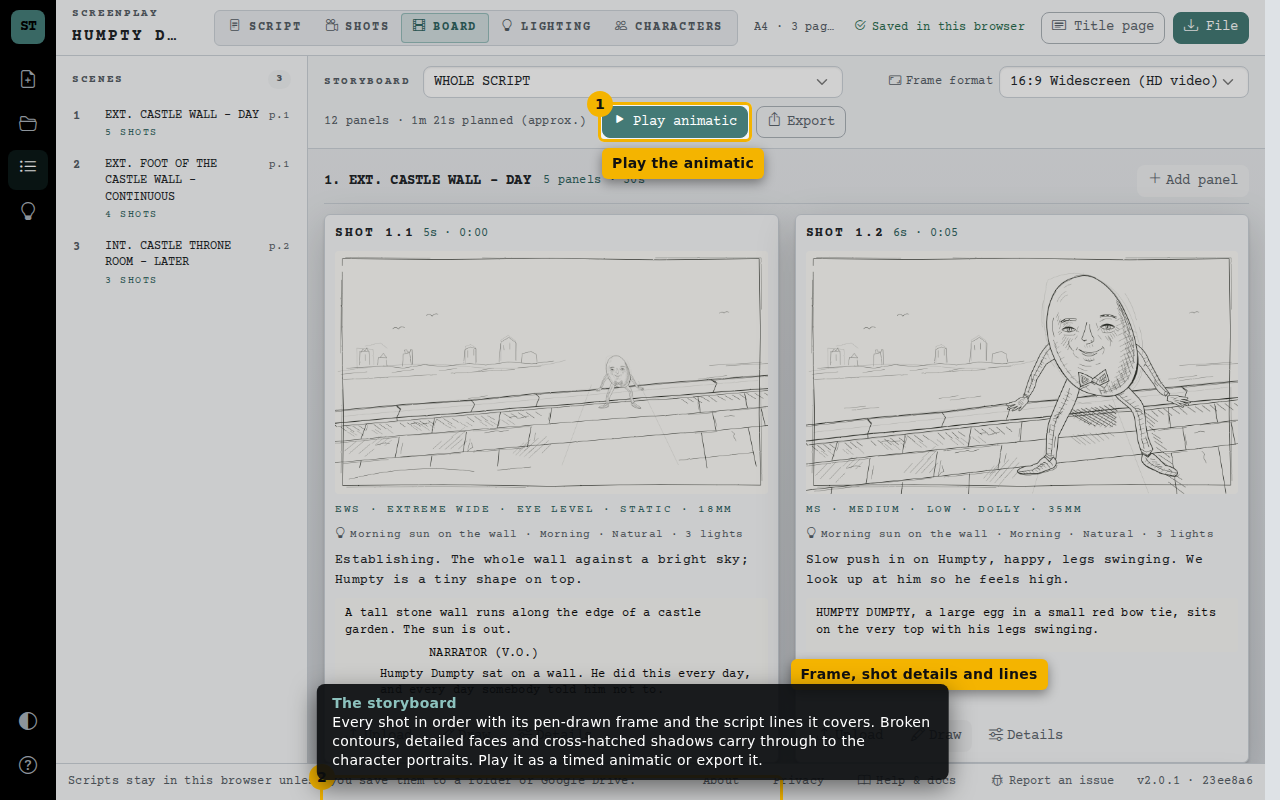
- Play the animatic
- Frame, shot details and lines
Character profiles
Humpty, the Captain and the King have portraits, traits, wants, needs, flaws and conflicts. The Soldier has a short profile and the Narrator none, so you can see both.
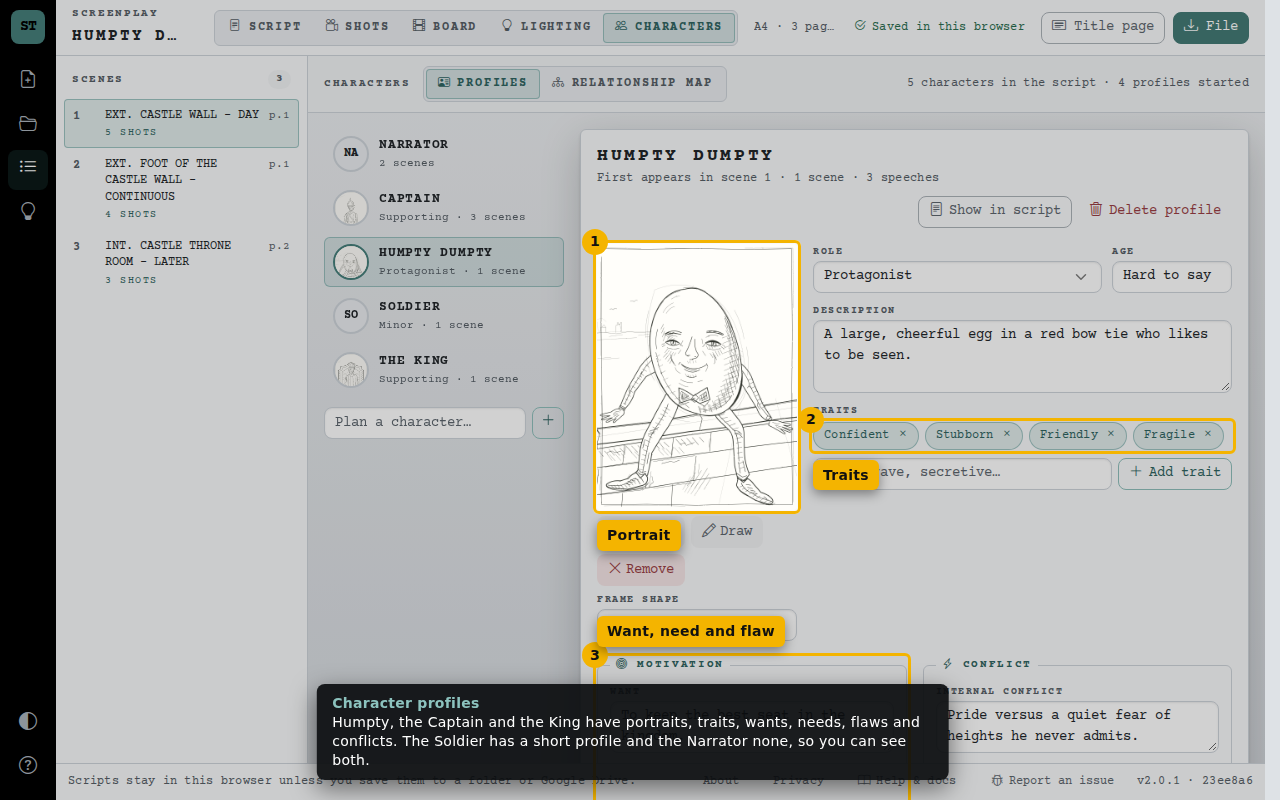
- Portrait
- Traits
- Want, need and flaw
The relationship map
Lines connect the cast: the Captain is Humpty’s friend and the King’s colleague; the dashed line shows the King blames Humpty for the mess.
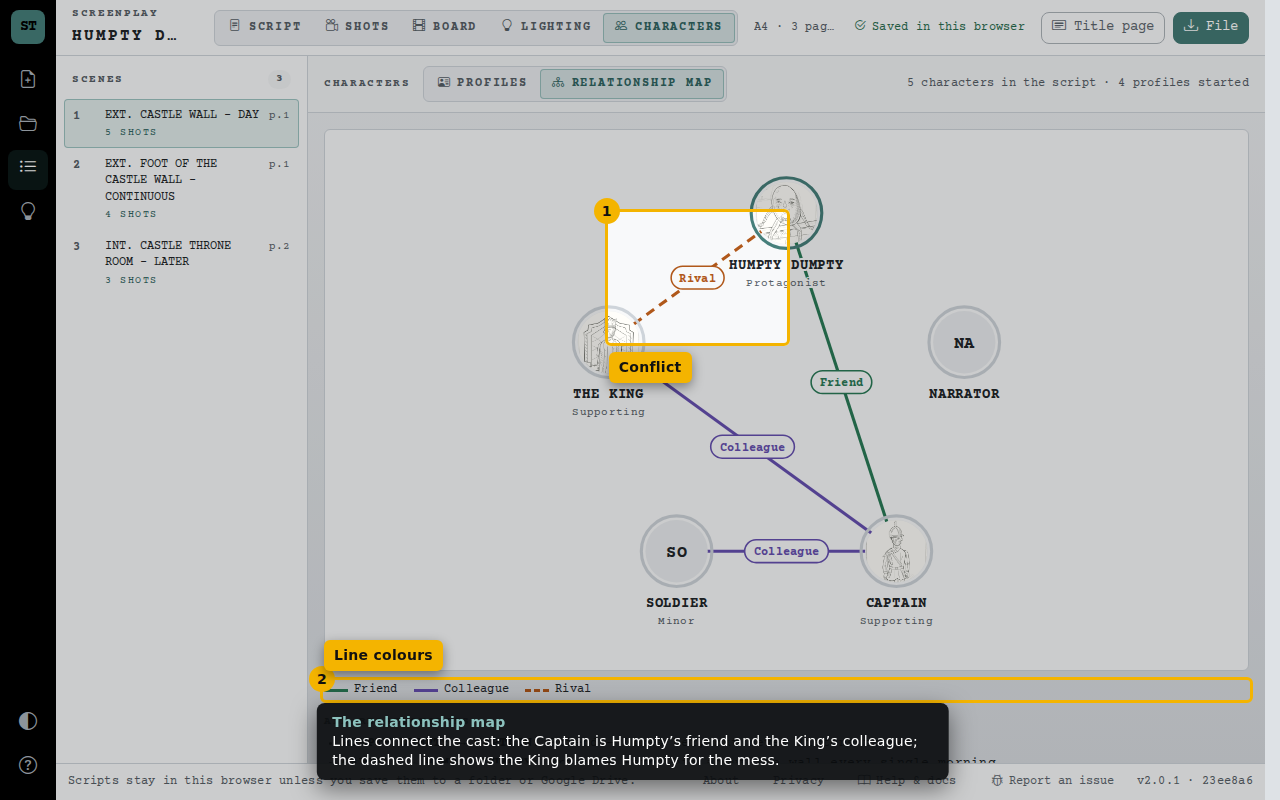
- Conflict
- Line colours
It is saved like any script
The sample appears in My scripts beside your own work. Delete it when you are done, or open it again for a fresh copy.
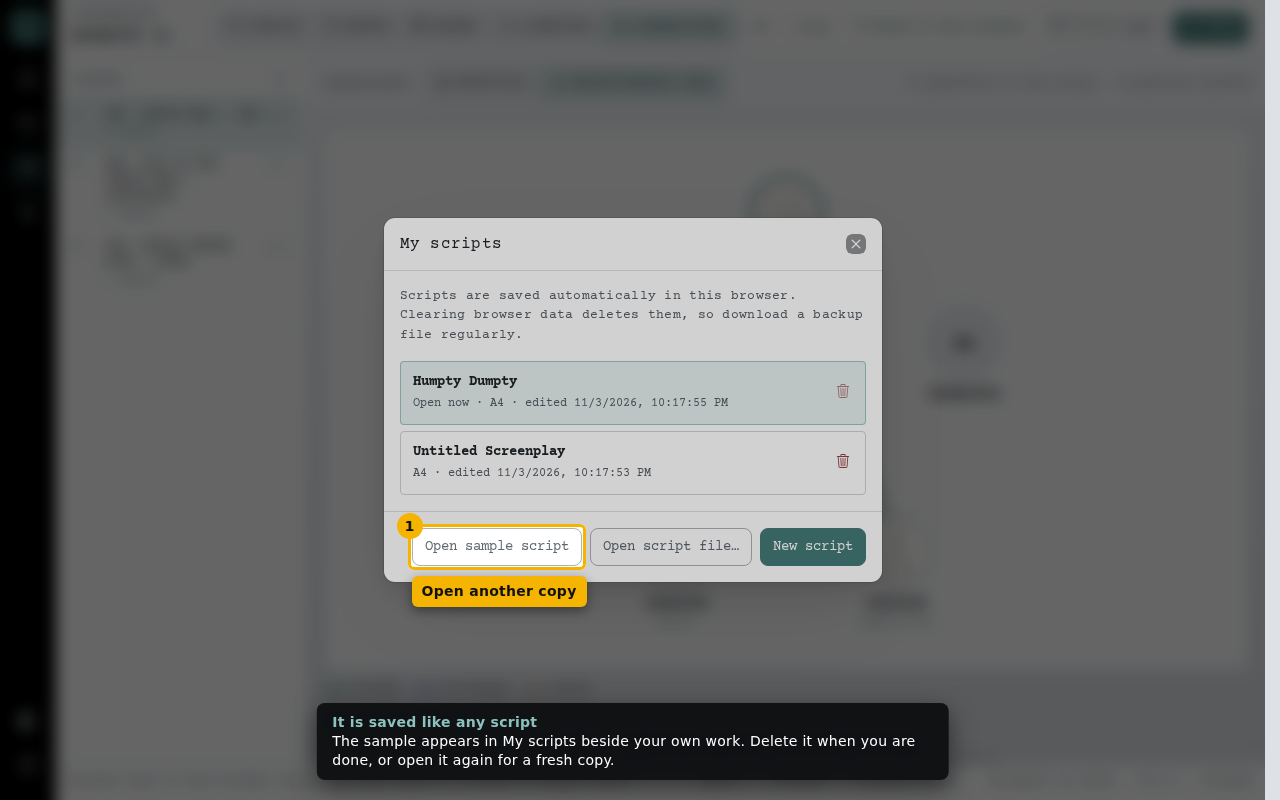
- Open another copy