StageType help
Step-by-step guides with annotated screenshots and short videos. StageType handles screenplay formatting so you can focus on the story.
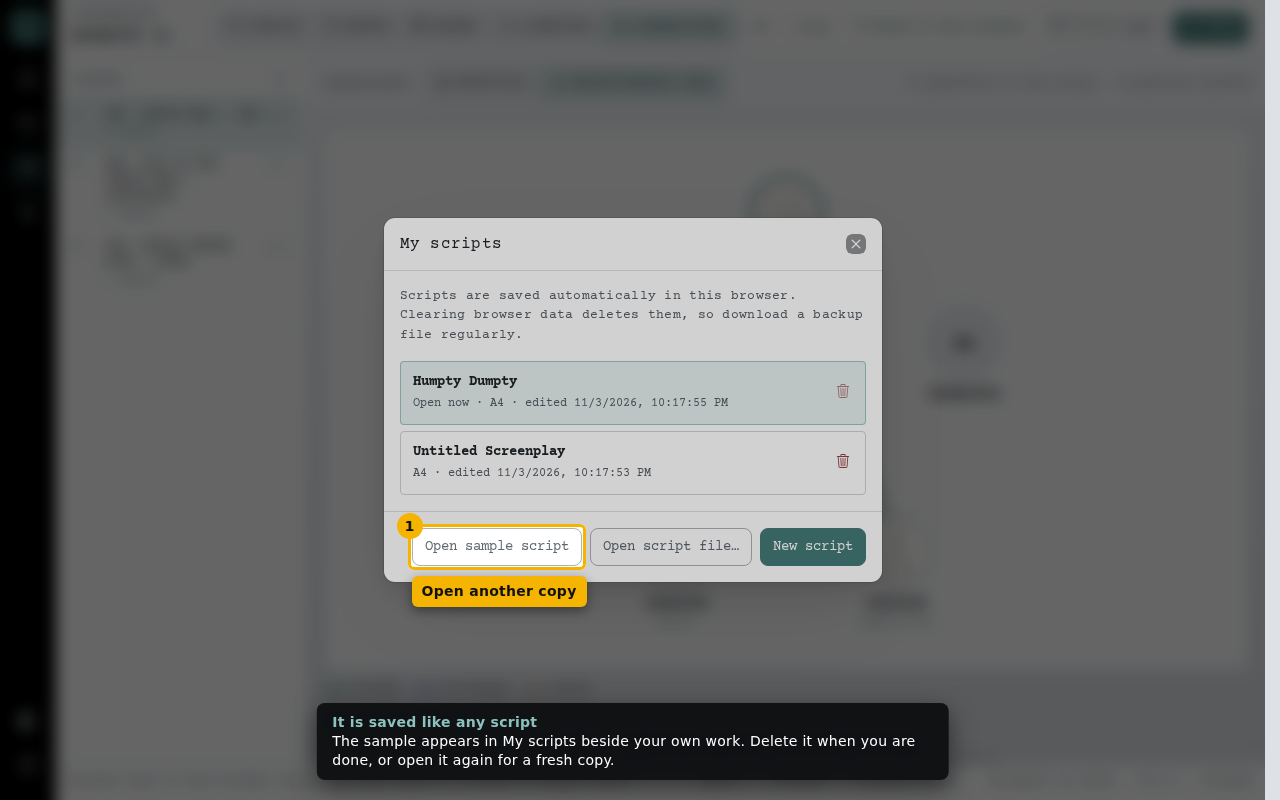 Explore the sample scriptOpen “Humpty Dumpty”, a finished short script with a shot plan, storyboard frames, lighting plans and character profiles, to see what StageType can do before you write your own.
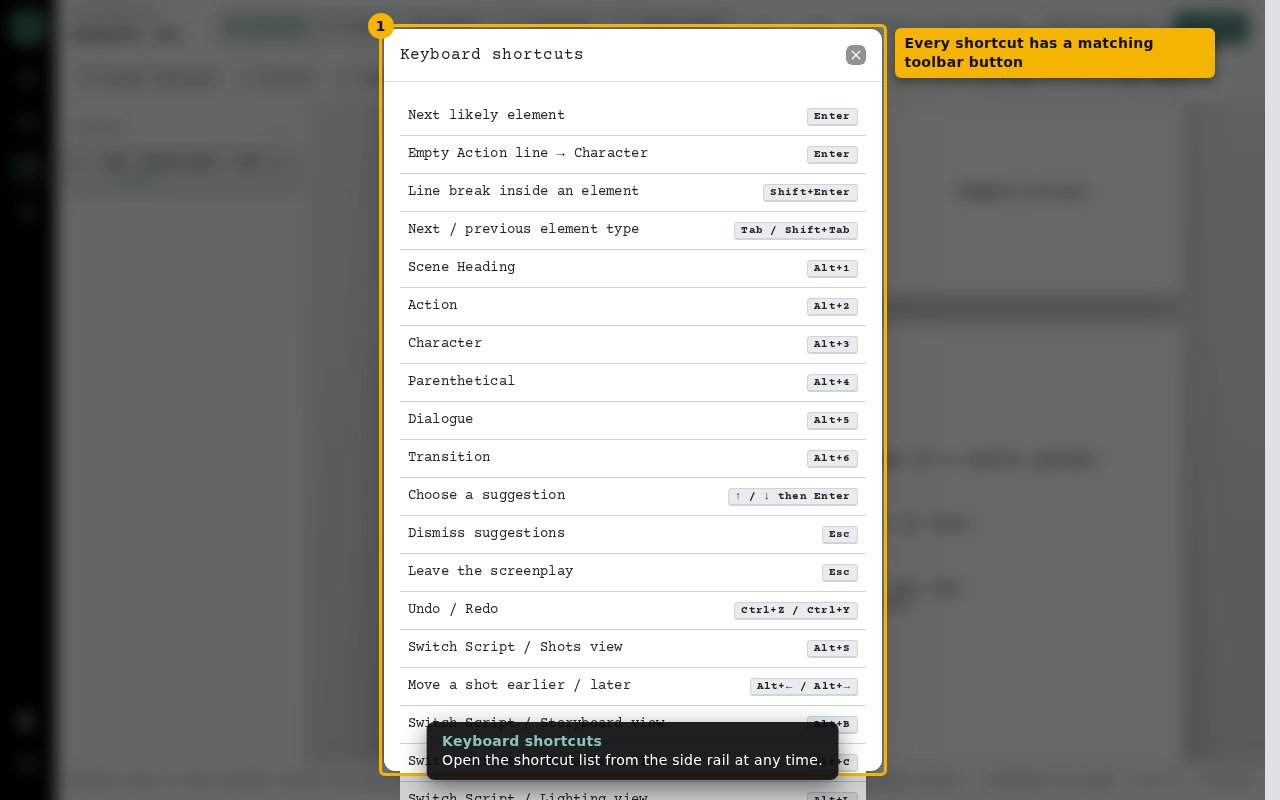 Write your first sceneType a scene heading, action, a character and dialogue using only the keyboard. StageType does all the formatting.
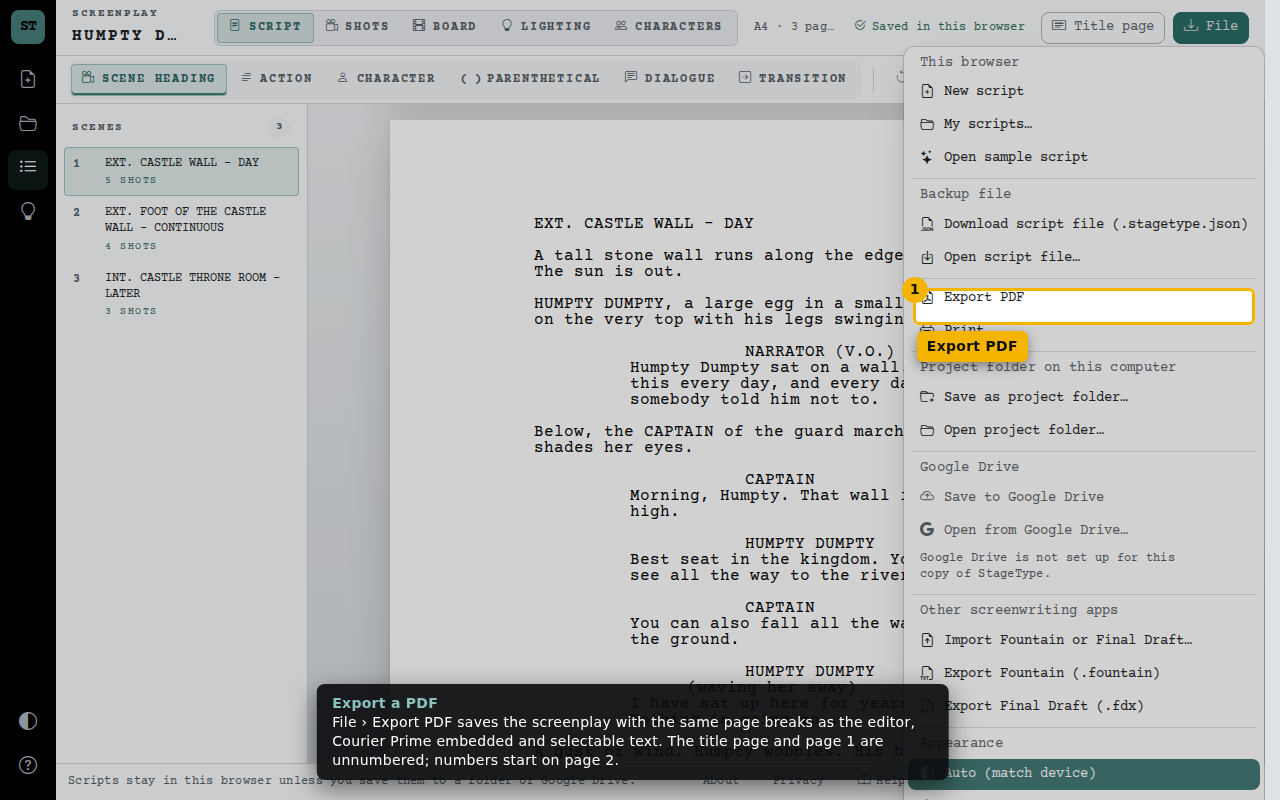 Title page, paper size and PDFFill in the title page, choose A4 or US Letter, zoom the page without changing the printed layout, and export a submission-ready PDF.
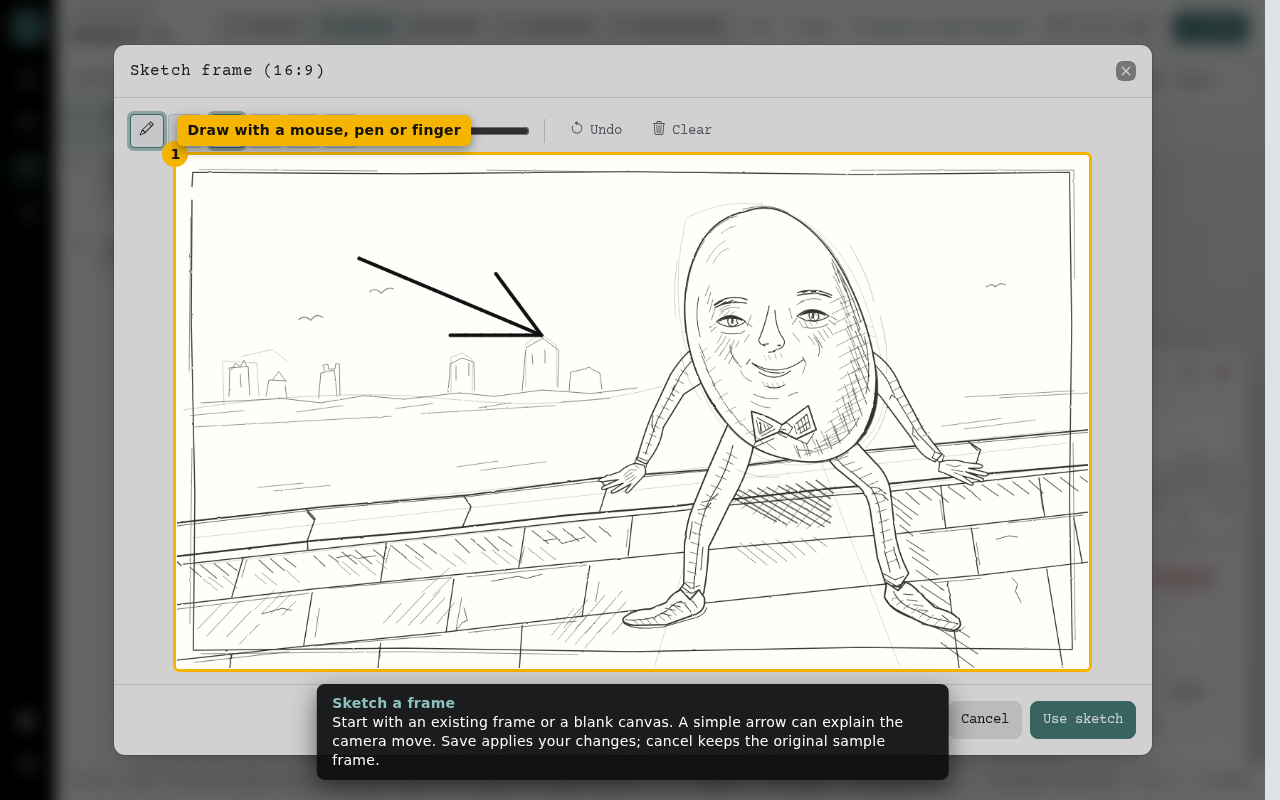 Plan shots for each sceneBreak each scene into shots, set size, angle, movement, lens and timing, and add a storyboard frame.
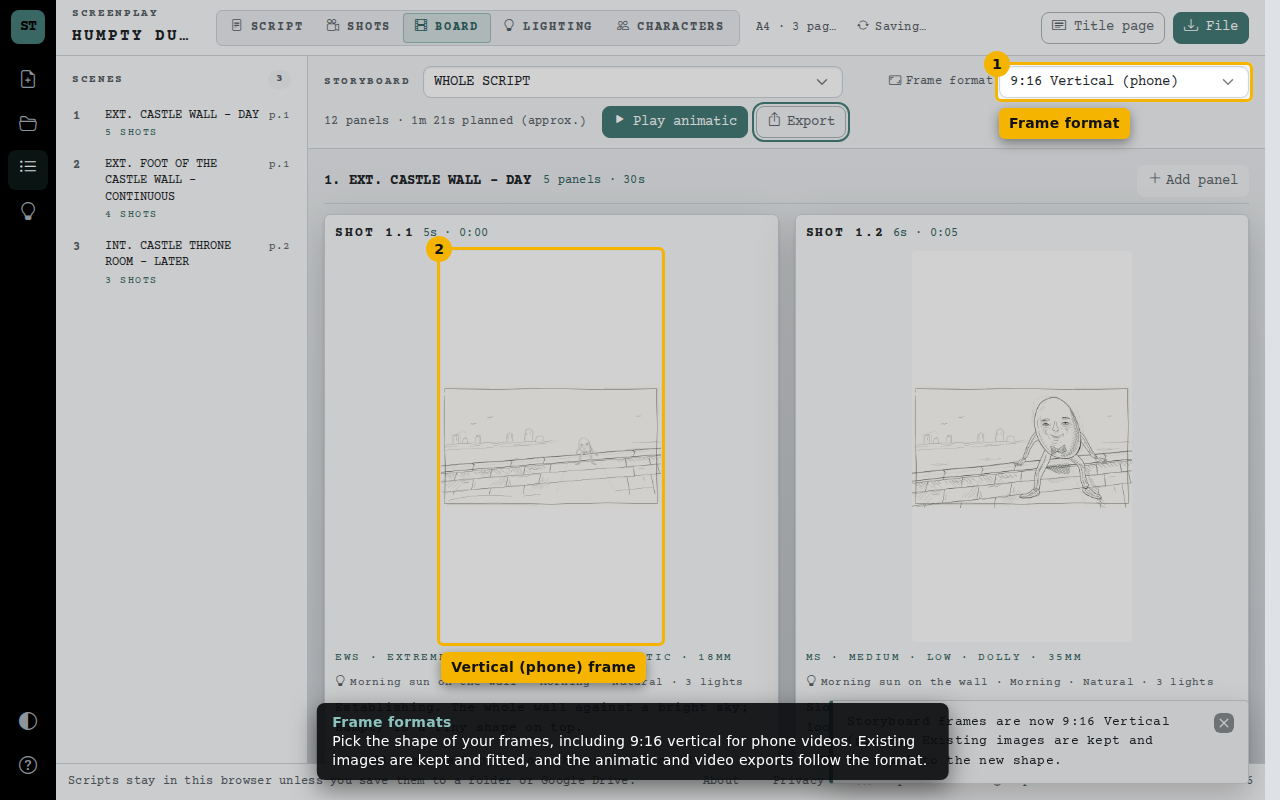 Storyboard and animaticSee every shot as a storyboard in the frame format you choose, play it as a timed animatic, export a GIF, MP4 or shot list, and print a storyboard grid on A4 or A3.
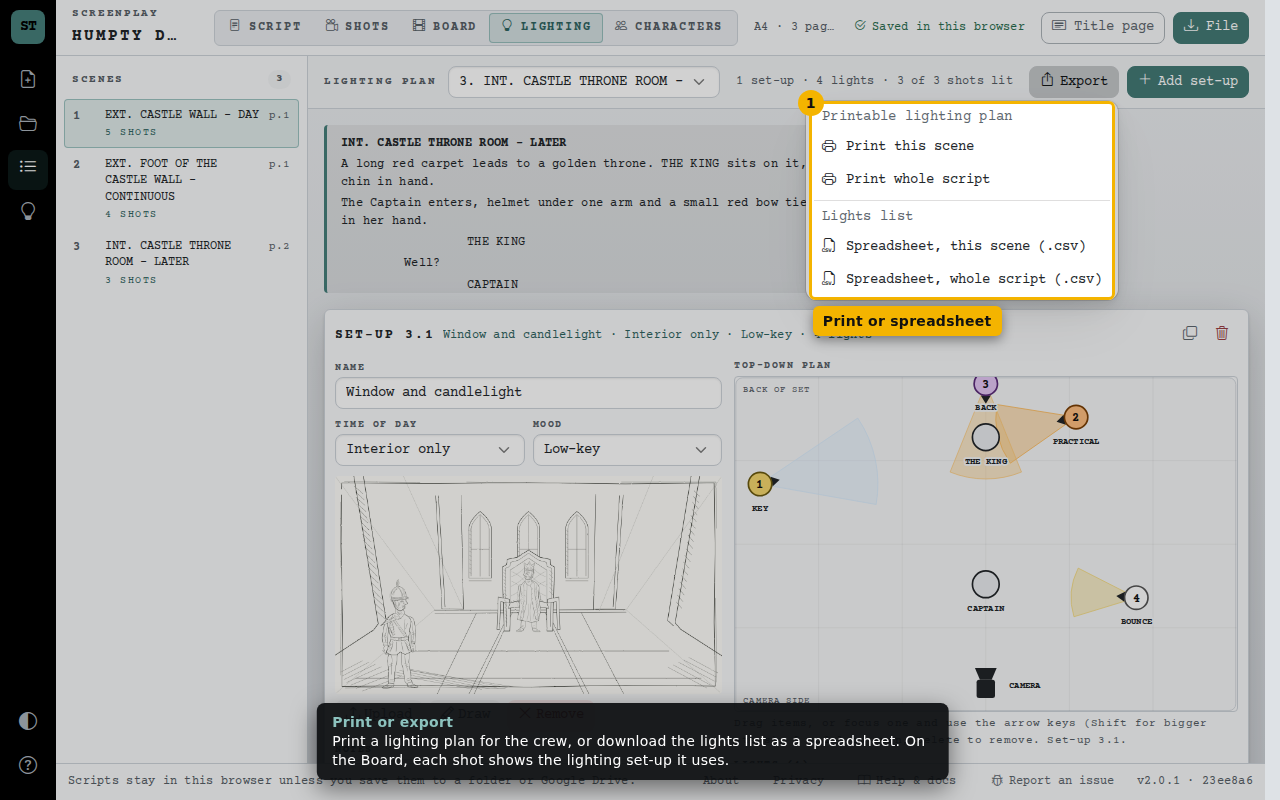 Plan your lightingPlan the lighting for each scene like an overhead lighting diagram: place the camera, actors and lights, note what motivates each light, add a reference image, and link shots to the set-up.
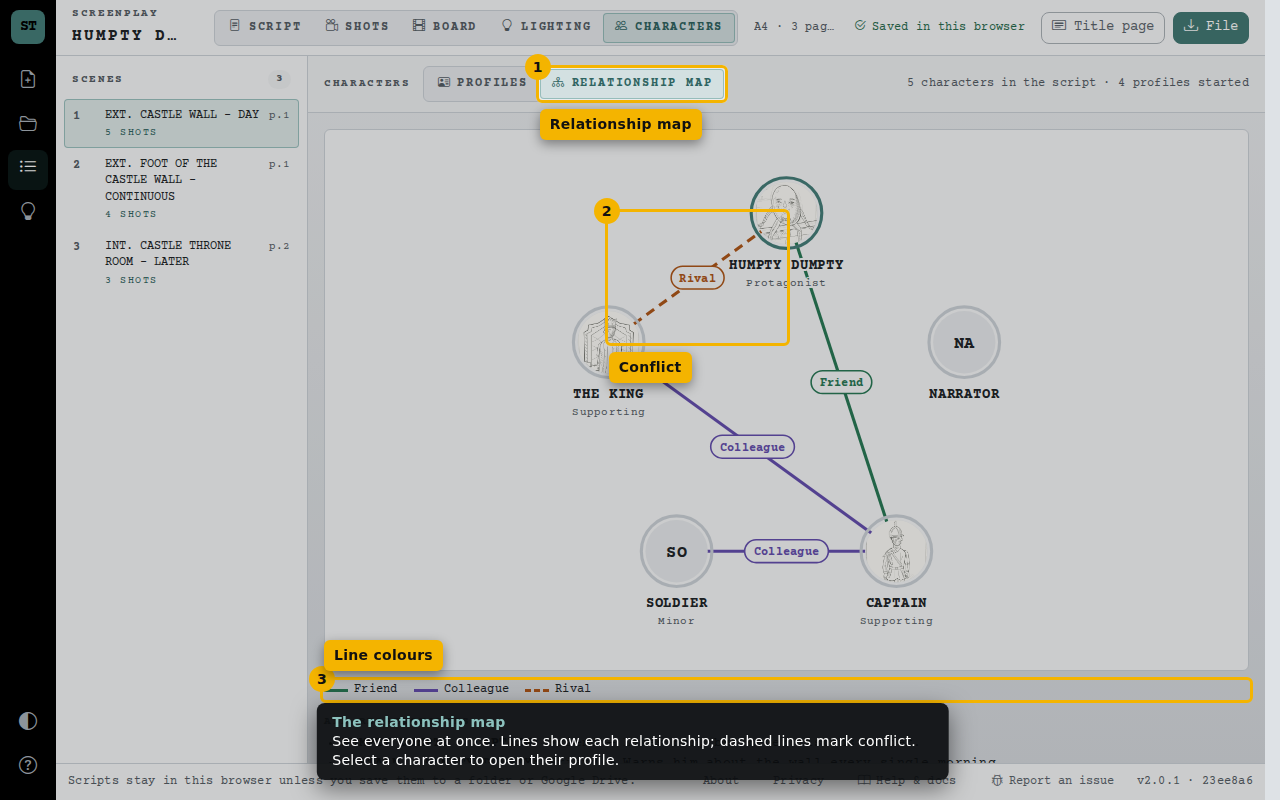 Plan your charactersGive every character a profile with a portrait, traits, motivation and conflicts, connect them, and see the relationship map.
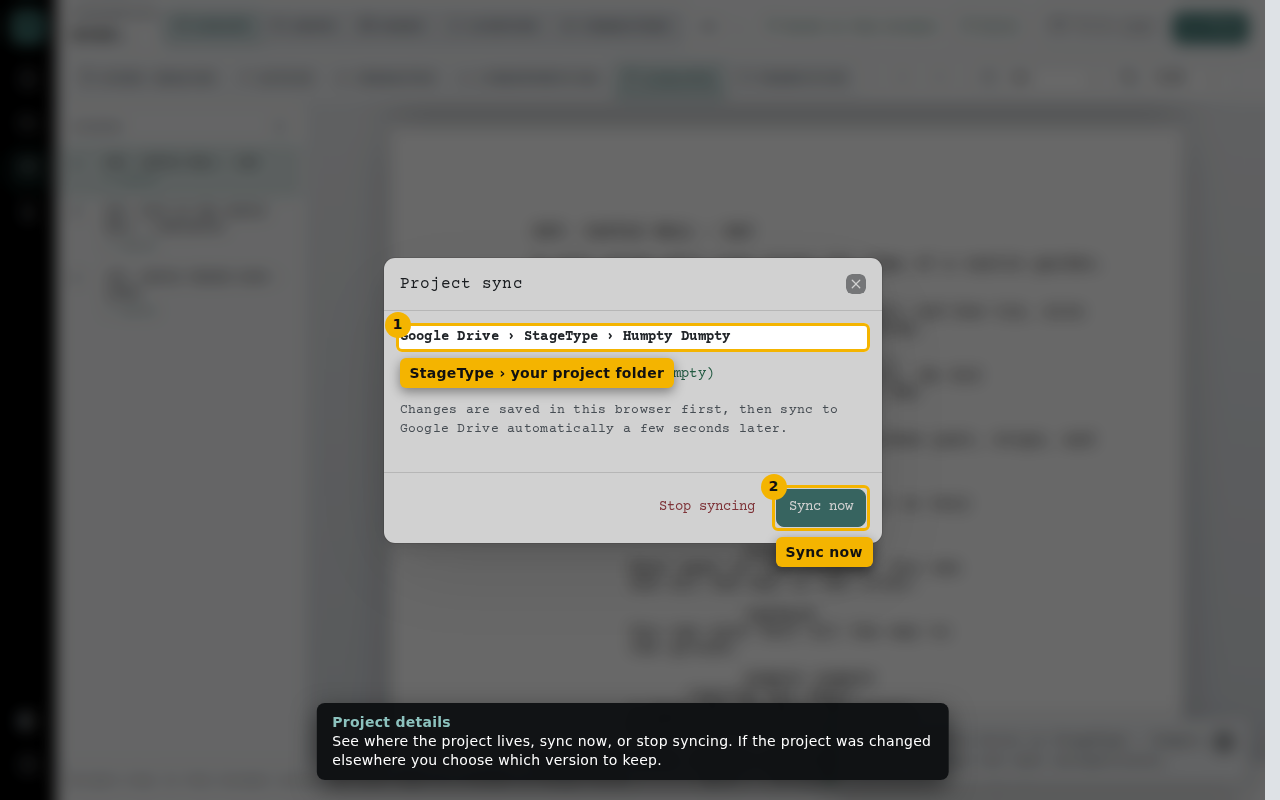 Save and open projectsKeep a project folder on your computer or in Google Drive that stays up to date as you write, and open it anywhere.
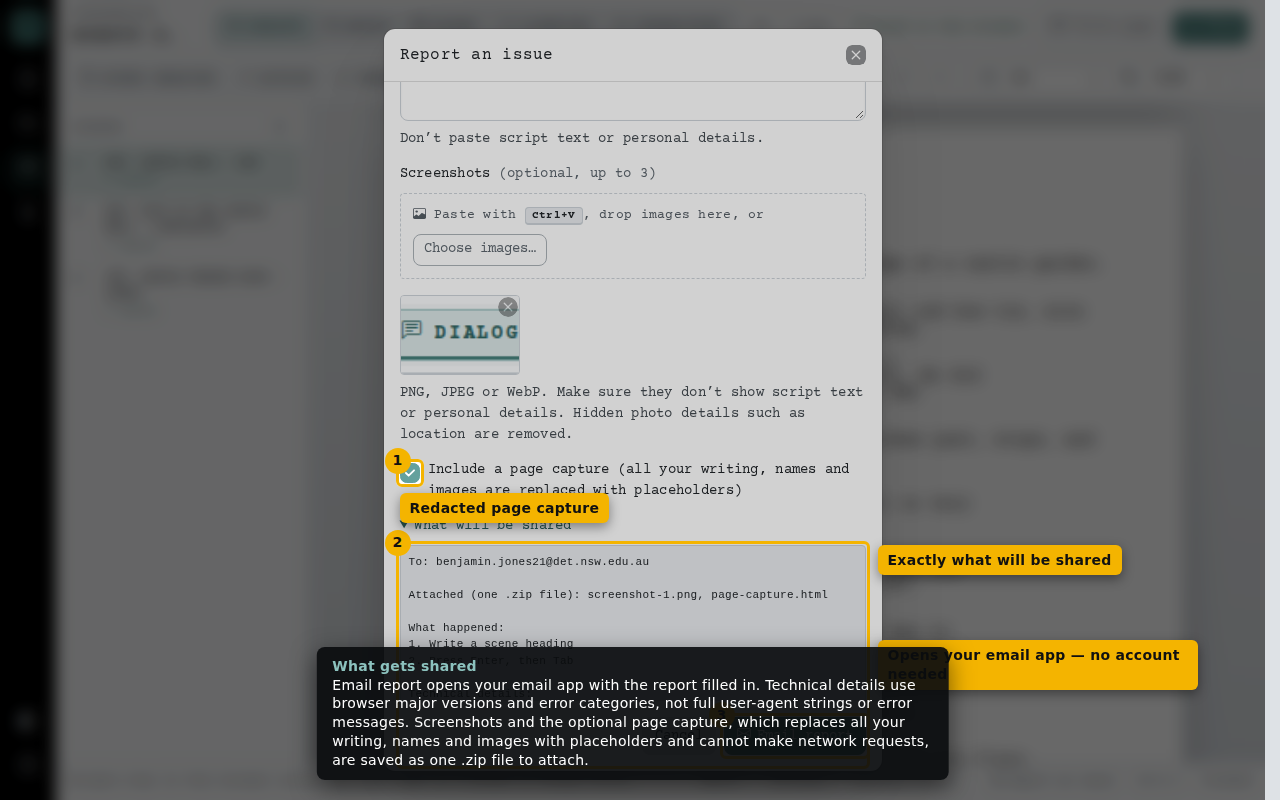 Report a problemEmail a bug report to the StageType maintainer, with screenshots if you like. No account is needed, and your writing is never included.
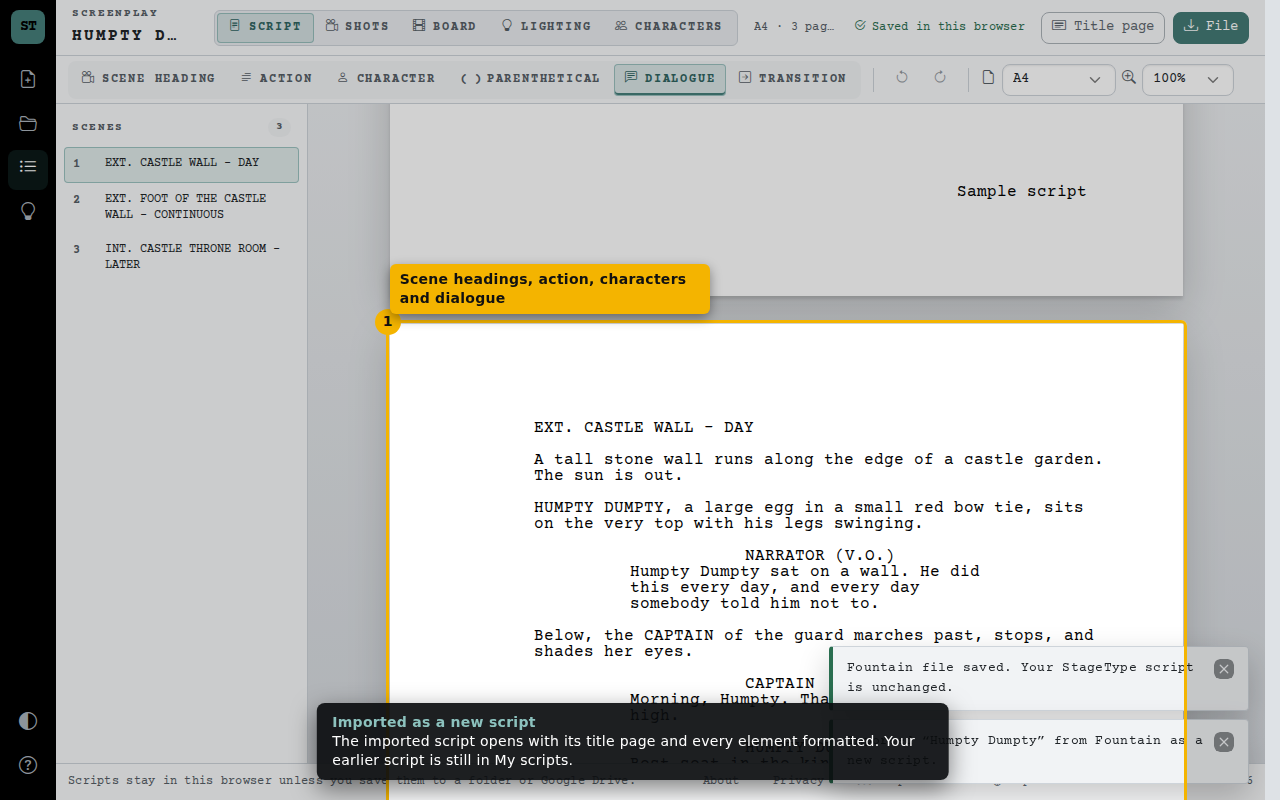 Fountain and Final Draft filesBring in a script from another screenwriting app, or save yours as Fountain or Final Draft to share it.