Fountain and Final Draft files
Bring in a script from another screenwriting app, or save yours as Fountain or Final Draft to share it.
Other screenwriting apps
The File menu imports Fountain (.fountain) and Final Draft (.fdx) files, and exports your script in either format. Exporting never changes your StageType script.
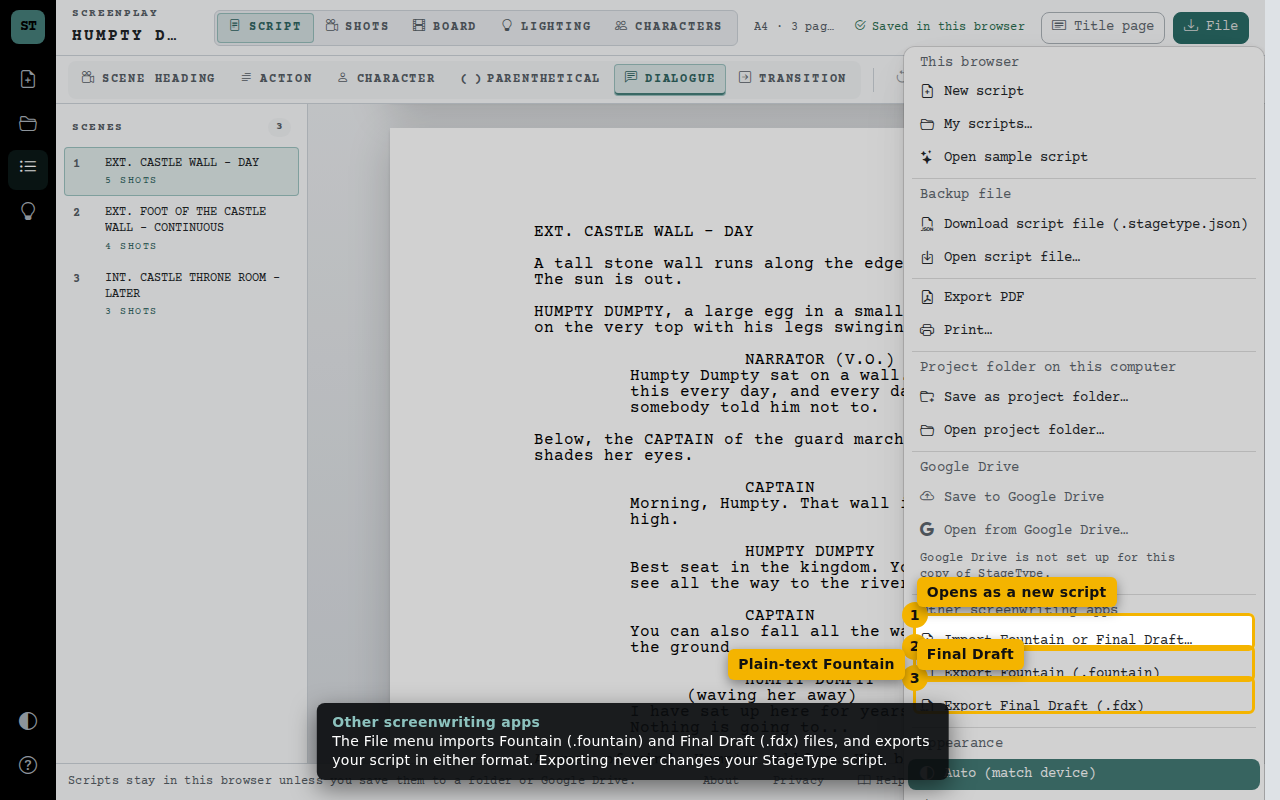
- Opens as a new script
- Plain-text Fountain
- Final Draft
Check what carries over
Before importing or exporting, StageType lists anything the other format can’t keep, including text Fountain may interpret as markup. Keep a StageType backup for an exact copy. The sample’s shot plans, storyboard frames, lighting plans and character profiles stay in StageType; Fountain exports the screenplay. Your current script is never replaced.
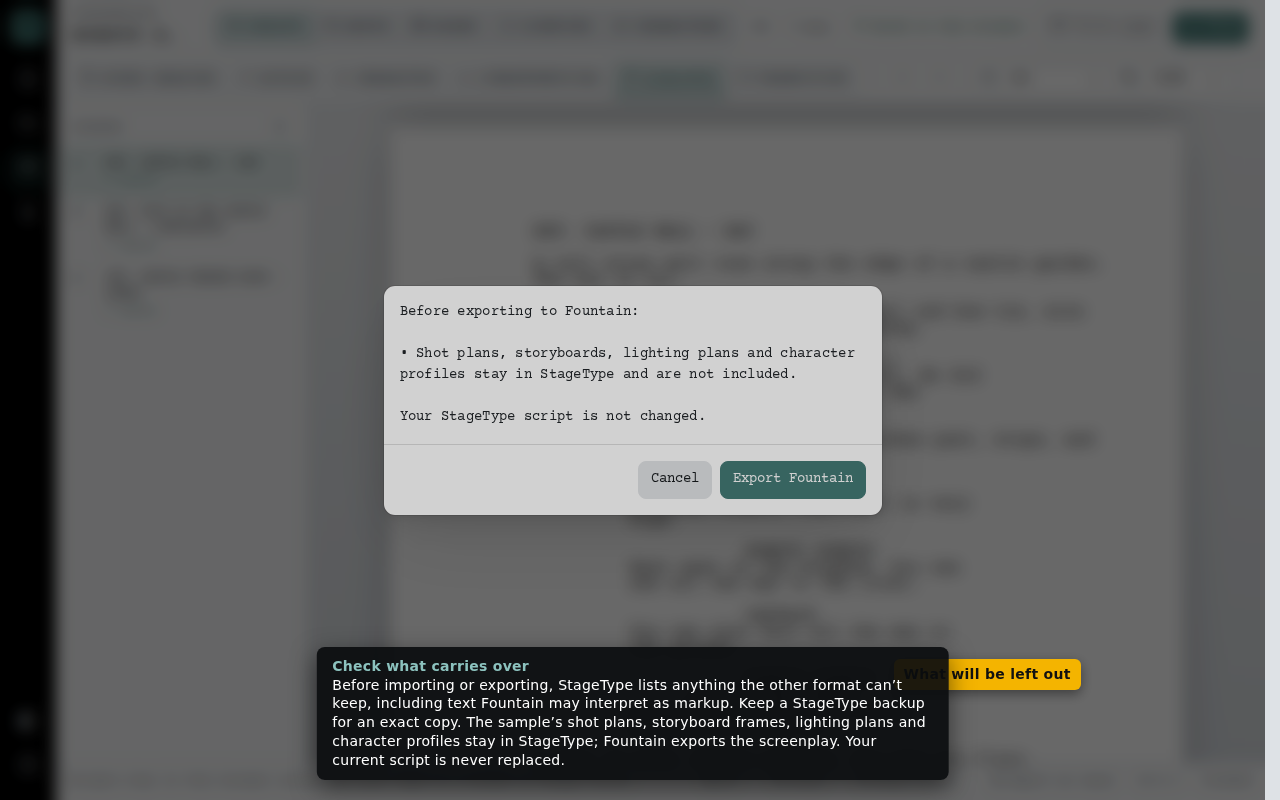
- What will be left out
Imported as a new script
The imported script opens with its title page and every element formatted. Your earlier script is still in My scripts.
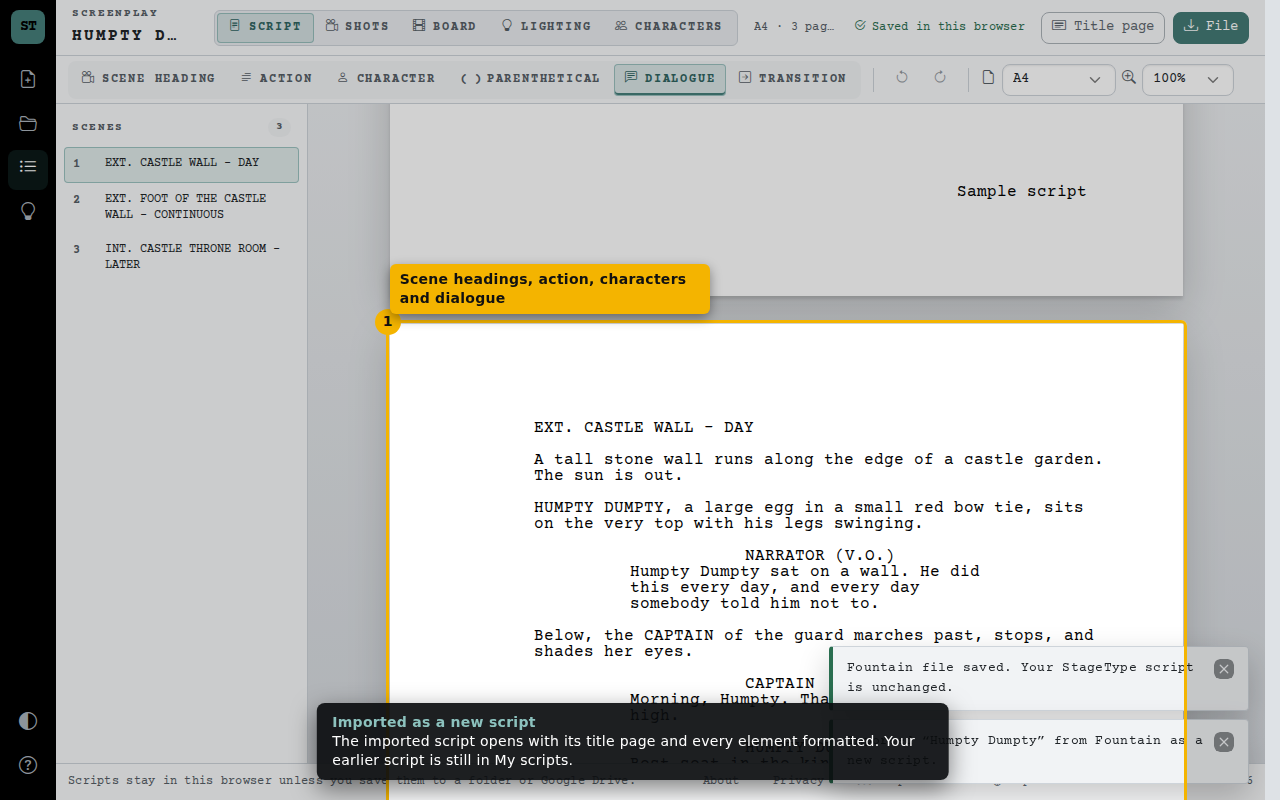
- Scene headings, action, characters and dialogue